Everything in its place.
Add accounts, websites, and notes. Create your own categories and search for the record you need.
 Unlinked Vault
A quieter place for your logins. Save, organize, and generate passwords offline, with encrypted backups you control.
Explore the app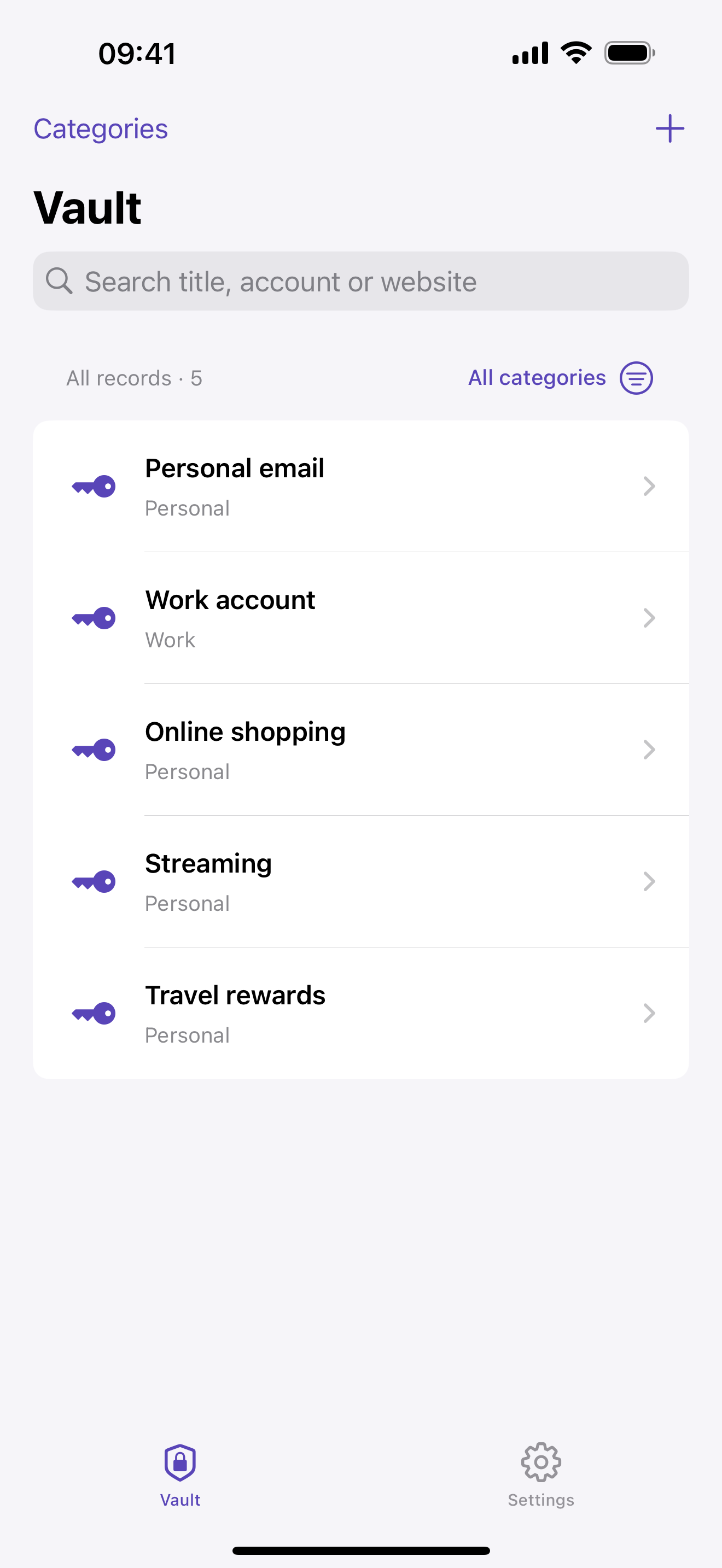
Keep the useful details together, find them quickly, and get back to your day.
Add accounts, websites, and notes. Create your own categories and search for the record you need.
Generate a random 20-character password with letters, numbers, and symbols. Copy it with a tap.
Export an encrypted backup and choose its password. Import it later without replacing your existing records.
Start without creating an account. Add an optional six-digit master PIN in Settings when you want to lock your password book.
Make encrypted backups when you need them. Keep the backup file and its password safe — there is no online recovery service.
How your data is handled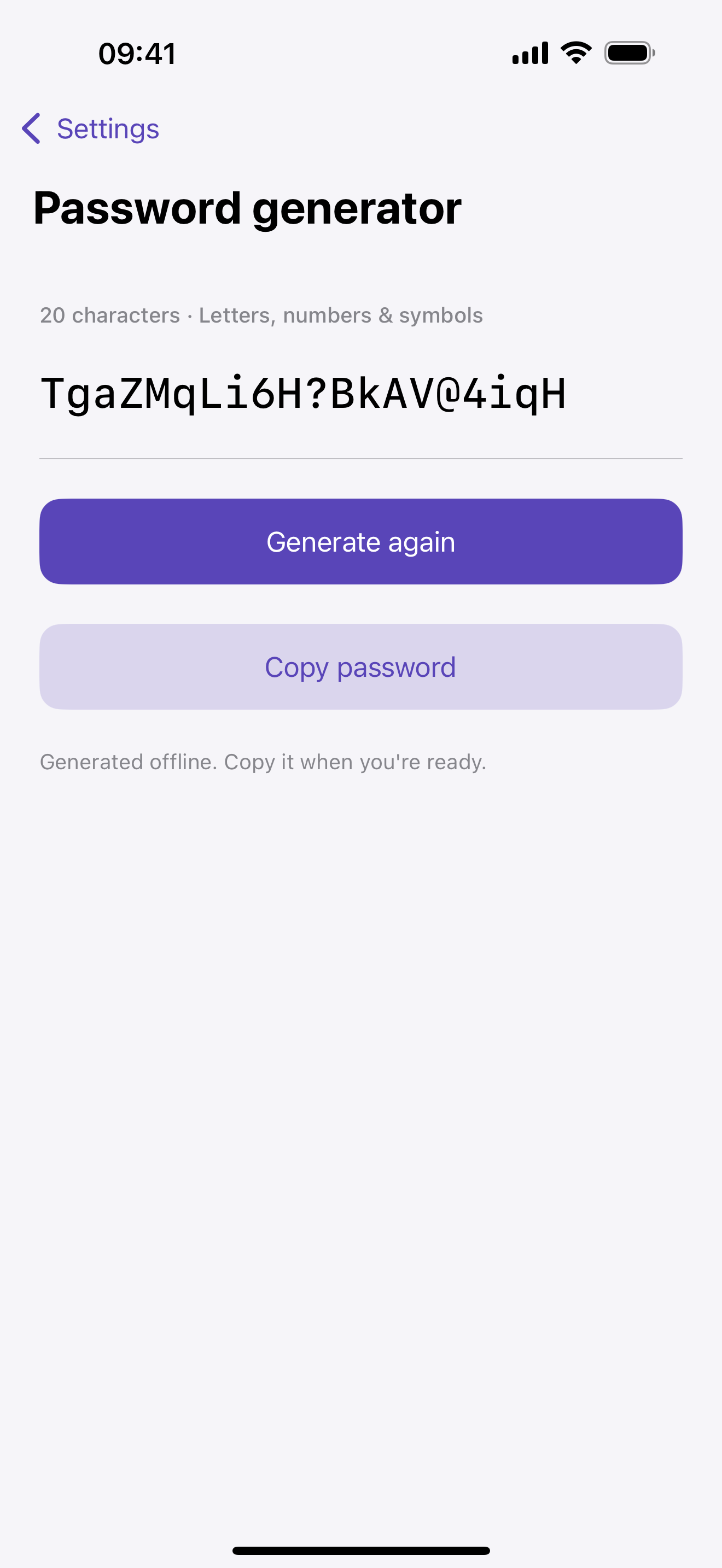
Your password book stays on your device. Read how local storage, exported backups, and this website work.